Seedance 2 to Seedance 2.5: What's Real, What's Hype, and When to Switch
Seedance 2 vs 2.5: compare AI video generation, 30-second clips, reference control, 4K claims, API readiness, latency, and upgrade costs to decide when to switch.
The latest model update has many teams wondering if they should switch. When looking at Seedance 2 vs Seedance 2.5, it's hard to ignore the marketing. We aim to help you see past the hype and make a solid choice for your work.

The Seedance 2.5 API isn't ready for production yet. Even though it looks promising, your Seedance 2.0 API is still the most reliable. We focus on keeping your system running smoothly, even if it means sticking with what you have.
Seedance 2.5 brings new features, but it needs careful thought before you use it. This guide will look at the pros and cons. We want to help you figure out if upgrading is right for your team.
The Jump From Seedance 2 to Seedance 2.5 in Plain Terms
Going from Seedance 2 to 2.5 is a big leap. It changes how we make stories. Before, it felt like we were just putting together short pieces of video. Now, video model upgrade focuses on creating stories that keep you watching.
The main goal of Seedance 2.5 is to fix the problem of broken stories in AI videos. We used to spend a lot of time making short clips fit together. This new model wants to make it easier to create longer, smoother videos right from the start.
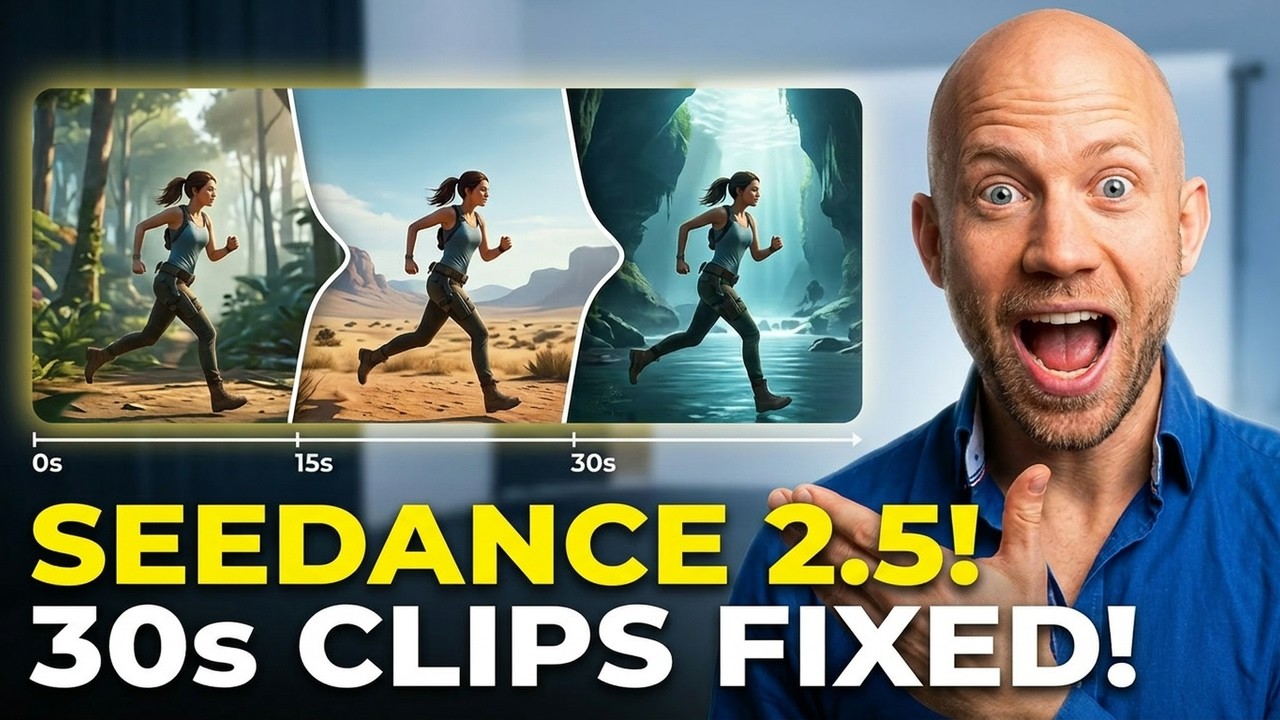
The latest ByteDance AI models aim for smoother stories. They make videos last longer, so characters move more naturally. This is a big step forward for AI video generation, making it easier to avoid shaky scenes.
This video model upgrade helps the team work more efficiently. With Seedance 2.5, we can avoid the complicated steps that often cause problems. These ByteDance AI models give us a solid base for making better videos.
We see Seedance 2.5 as a key tool for making professional videos. It's not just about making videos magically appear. It's about giving creators the tools they need to make real stories.
The Four Gains That Actually Move the Needle
If you're making high-quality video apps, these four technical gains are key. A standard video model upgrade usually focuses on looks. But this one digs into the AI video generation mechanics. We've pinpointed four areas where the tech gives you a real edge.

A Real 30 Seconds, Not Four Clips Glued Together
Before, we had to piece together short clips for a full scene. This method often broke AI video continuity, causing awkward jumps and losing character feel. Now, the model can handle 30-second clips smoothly, keeping your story flowing.
Fifty Reference Inputs Versus a Short List
Keeping a brand or character consistent across shots was tough. With support for 50 reference assets, the model boosts reference-guided creation. You can use a wide range of style guides and textures to keep your output consistent.
- Increased fidelity: More references mean fewer hallucinations in character features.
- Reduced iteration: You spend less time tweaking prompts to force consistency.
- Complex asset handling: The model better understands multi-layered visual requirements.
Editing One Region Instead of Re-Rendering the Frame
Working efficiently is crucial, and the new engine makes it easier. It lets you edit specific parts of a frame without redoing the whole thing. This saves time and resources, making your app faster for users.
4K and Color Depth You Don't Have to Upscale Into
Upscaling low-res outputs can ruin your work. But with native 4K video output, you get high-quality material right from the start. This avoids the usual problems with upscaling and keeps your colors true to the original.
The Costs Nobody Mentions in the Demo Reels
We need to look beyond the shiny demo reels to see the real costs. The newest features are exciting, but they also mean trade-offs for your AI video infrastructure. Upgrading to a more powerful model means you have to check if your current setup can handle it.
Longer Clips Mean Heavier Compute and Latency
Creating longer videos is a big step forward, but it affects model latency. When you make videos longer, the computer has to work harder. This can slow things down if your system isn't ready for it.
If you need videos fast, you'll have to adjust. Adding the Seedance 2.5 API to your system needs careful planning. You might need to add more computers to keep things running smoothly.
More Control Means a Steeper Prompt Learning Curve
Having more control over video creation is great, but it makes things more complicated. With more options, your team needs to get better at writing prompts. It's not just about typing a few words anymore.
This change means you'll need to improve how you document and test your work. As you get better at writing prompts, you'll go through a learning phase. Here's a table showing the main differences you'll face when you upgrade.
| Feature | Seedance 2 | Seedance 2.5 | Operational Impact |
|---|---|---|---|
| Average Latency | Low | Moderate to High | Requires scaling |
| Prompt Complexity | Basic | Advanced | Higher training cost |
| Compute Load | Standard | Resource Intensive | Increased cost per call |
| Integration Effort | Minimal | Significant | Requires refactoring |
What's Still Unproven Until Launch
The excitement around Seedance 2.5 is high, but we need to look beyond the marketing. Many key performance metrics for ByteDance AI models are still untested. It's wise to wait for the full release before making big changes.
Be careful when planning workflows that use reference-guided creation. Without the final API details, your plans might not work. Also, the long-term reliability of AI video continuity is still uncertain. We need to see how it performs under heavy use.
It's natural to be excited about new features, but don't assume too much too soon. Waiting for the official SDK updates is safer. This way, you avoid technical debt. Here's what we're waiting for from the developers.
| Feature Category | Current Status | Action Required |
|---|---|---|
| API Endpoint Stability | Unconfirmed | Wait for documentation |
| Reference-Guided Creation | Beta/Testing | Verify with small batches |
| Video Continuity Logic | Experimental | Monitor latency metrics |
| Resource Scaling | Unknown | Benchmark on staging |
By focusing on these unknowns, you can avoid unexpected downtime. Patience is a strategic advantage with early AI releases. We'll keep an eye on things and update our plans once we have all the details.
Pick by Use Case, Not by Version Number
Choosing the right AI setup is more about matching features to your needs than chasing the latest version. When looking at Seedance 2 vs Seedance 2.5, focus on keeping your current workflow stable. This ensures your production-ready AI stays efficient and affordable.
Stick With Seedance 2 If You Ship Short Social Cuts
If you mainly make short social media clips, Seedance 2 is your best choice. It's reliable, has low latency, and is easy on resources. This makes it perfect for quick changes. You get consistent performance without the hassle of complex tasks.
Move to 2.5 for Narrative, Ads, and Product Scenes
For projects needing more creative control and longer sequences, upgrade to 2.5. It's great for storytelling and high-end ads, where nuanced motion matters. Upgrading to 2.5 lets you create more detailed visuals.
Here's a quick comparison to help you choose the right model for your needs:
| Feature | Seedance 2 | Seedance 2.5 |
|---|---|---|
| Primary Use Case | Short Social Clips | Narrative & Ads |
| Compute Load | Low/Predictable | High/Variable |
| Control Level | Standard | Advanced |
| Pipeline Status | Proven/Stable | Emerging/Advanced |
Test Both Side by Side on One OctopusX Endpoint
Migrating to the Seedance 2.5 API shouldn't put your production environment at risk. By utilizing OctopusX.ai as your unified AI model endpoint, you can safely benchmark the new model against the Seedance 2.0 API using your own data—without overhauling your existing backend architecture.
Seamless AI API integration relies on modularity. Instead of a hard switch, our gateway allows you to intelligently route a small percentage of your live traffic to Seedance 2.5 while keeping the bulk of your operations safely on the stable 2.0 version. This split-testing approach enables rigorous, real-time evaluation of output quality and system performance before fully committing to a compute-heavy upgrade.

When comparing the two models directly through your endpoint, you will notice several key operational differences:
- Primary Use Cases: The Seedance 2.0 API remains the highly efficient standard for generating short-form content, whereas the 2.5 upgrade is specifically designed to handle detailed narratives and complex product scenes.
- Compute Load & Latency: Seedance 2.0 maintains a predictable compute load with reliably low latency. In contrast, the advanced capabilities of 2.5 require significantly higher compute resources, which can result in variable latency during API calls.
- Integration Strategy: While 2.0 provides a highly stable, plug-and-play pipeline, safely adopting 2.5 requires a modular routing strategy to manage its heavier processing demands effectively.
Protect your application from breaking changes by validating performance firsthand. Testing side-by-side equips your development team with the concrete data needed to transition confidently, ensuring system stability remains the top priority while you scale.
FAQ
We know you have questions about the latest model update. It's important to understand the technical changes it brings. This helps you see how it fits into your current workflow.
Is 2.5 a real upgrade or just longer output?
Seedance 2.5 is a big step forward, not just a longer clip. It improves the diffusion process and makes motion smoother. Plus, it supports 4K video output natively, which means less need for quality-dropping upscaling.
When can I call the 2.5 API?
ByteDance’s video-generation foundation model, Seedance 2.5, officially launched its API service on Volcano Engine and entered public beta on August 7, 2026.
Will my per-call cost go up?
Yes, the model's complexity means a slight cost increase per request. But, the quality and length of clips you can render might make it worth it. It's better than stitching together short clips.
Watch your model latency during testing. This will help you decide if the new model is right for you.
Can I keep 2 and 2.5 running in parallel?
Yes, you can run both versions at the same time. Our platform lets you manage API endpoints effectively. This way, you can keep your old workflows stable while trying out the new model.
It's a safe way to test the new model. You can see how it compares to the old one in real-time.
The Conclusion
Seedance 2.5 brings a big change to AI video making. You get more control over scenes and can make videos longer. This is a big step up for making videos.
For now, keep using Seedance 2.0 for your projects. It's important to keep things stable for live work. You can get ready for the new model while keeping your videos looking good.
Having a flexible AI video setup lets you easily switch models. This keeps your code working smoothly, even when models change. It helps you stay up-to-date without a lot of extra work.